
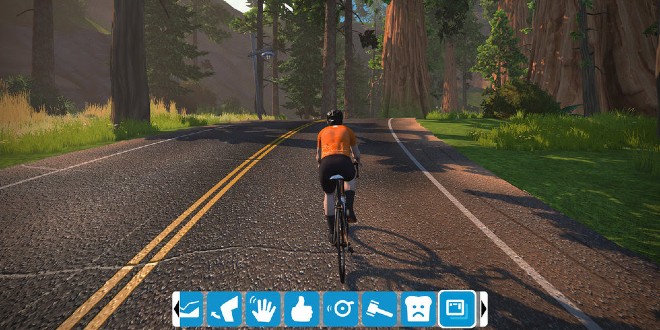
Zwift has launched Hide Display, giving Zwifters the chance to explore more and lose themselves in the game’s landscapes without distraction.
The feature is available when free-riding and running or participating in a group event or race. The ‘HUD’ will remain a necessary feature when in workout mode or in a Group Workout. Anyone participating in a ‘FutureWorks Hud-less’ race will not be able to turn their display on.
The HUD elements in the screen zones that will be hidden/unhidden when Hide Display is toggled include The Keystone, PowerUp Ring, Telemetry Panel, Leaderboards, Map, Riders Nearby List and Chat.
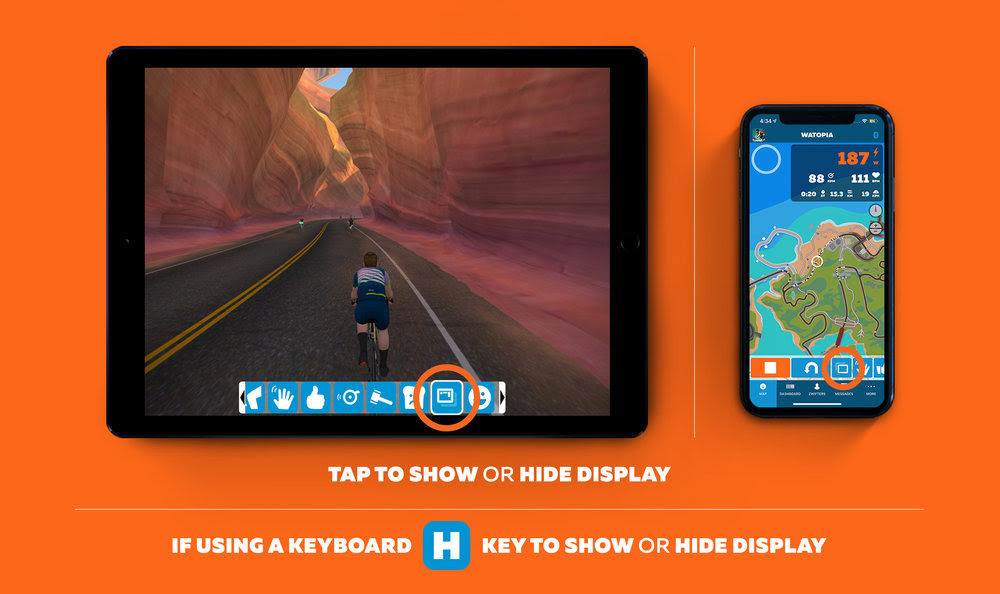
Directions to ride with Hide Display:
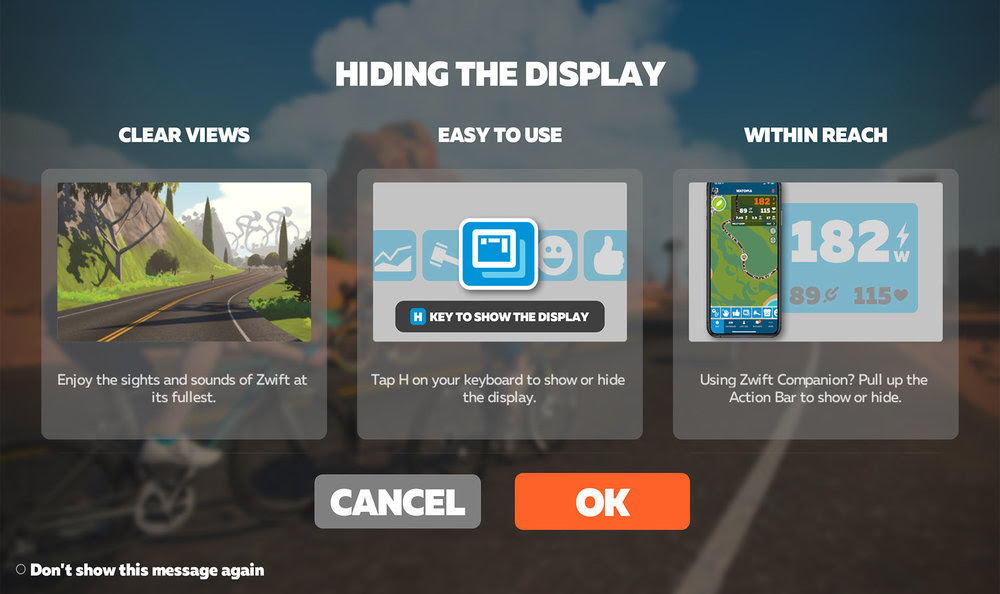
Using a tablet:
[divider style=”normal” top=”20″ bottom=”20″]
Read the April issue of BikeBiz below: